Top Three USB Sharing Hardware Solutions
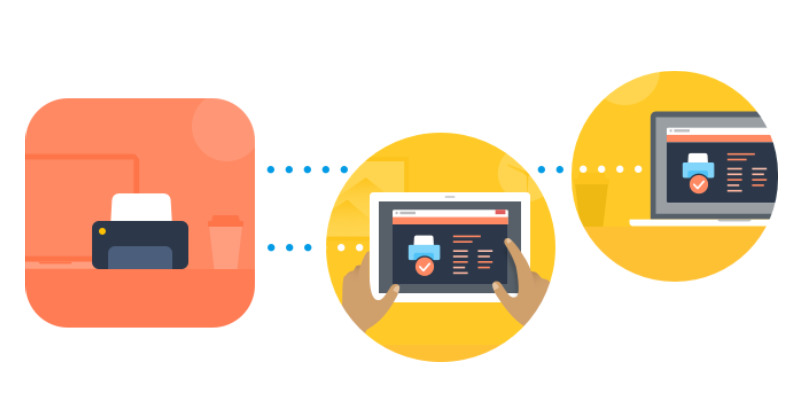
An alternative to USB sharing software is to use a hardware solution. A USB sharing switch allows you to share a USB device with remote users over a network. Many hardware products let you share USB between two computers. The following are some of the most popular options for sharing a USB device over the network using hardware.
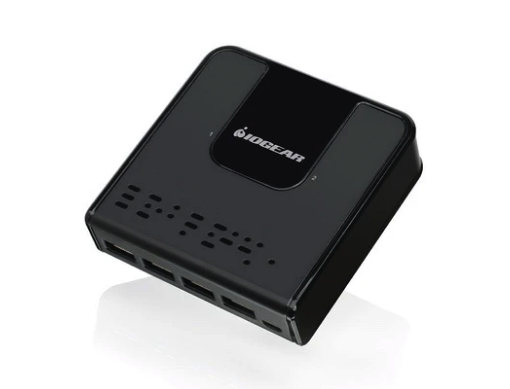
IOGEAR USB Switch - IOGEAR manufactures multiple hardware solutions that allow you to implement a USB share over a network. You can easily share USB printers, hard drives, or other peripherals without having to swap cables or install any additional software. IOGEAR offers switches with different configurations that allow two or four computers to share up to four USB devices. Some of the units feature an Auto-switch feature that automatically switches to the required shared device, for instance, a printer.
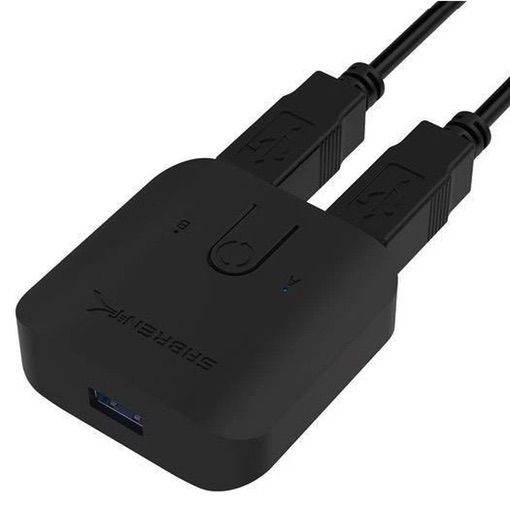
SABRENT USB Sharing Switch - SABRENT’s hardware solutions for sharing USB devices over a network are flexible and easy to use. They feature a single button that makes it easy to swap devices between computers. The plug-and-play hardware lets you share USB devices without installing software drivers. You can share USB devices at speeds up to 5Gbps. Blue LEDs let you identify which computer is currently sharing a USB device.
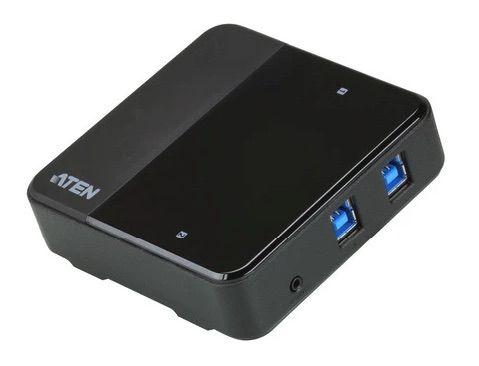
ATEN USB Sharing Switch - This hardware solution for sharing USB equipment allows two computers to share up to four USB 3.2 Gen 1 devices. The switch supports data transfer speeds of up to 5Gbps and features additional power via a micro USB jack. Remote port selection enables you easily select a shared device and lets you place the switch in any location. This solution to share USB devices is also available in a configuration that enables four computers to access the equipment.
 Editorial Team
Jun 13, 2023
Editorial Team
Jun 13, 2023