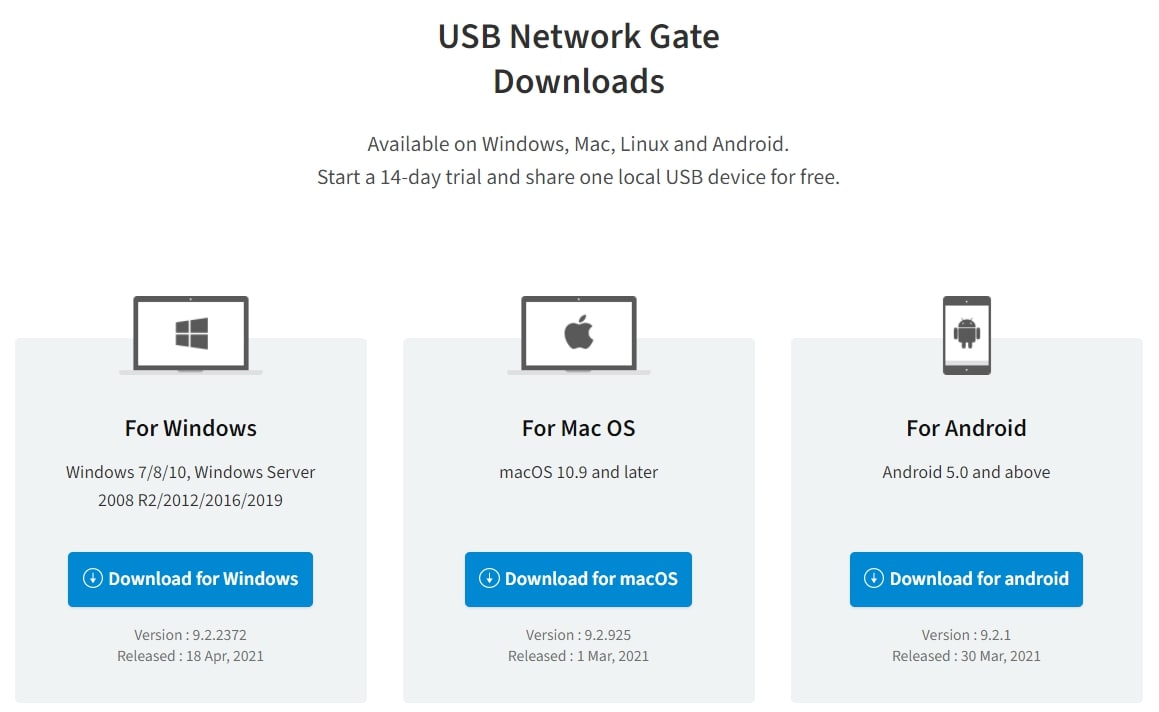


Install USB to Ethernet Connector and launch it. Then switch to "Remote USB devices" tab and click "Add remote USB device" button.
Now you can see "Add remote USB device" window opened.
If you want to search for remote USB port with shared devices at some specific remote computer, then type that computer's IP address or network name in "Remote host" box and press "Find". If you want to look for all shared devices, available on local network, press "Find all" button.
Select the remote USB device you want to use and press "Add remote device". Then click "Close" button.
Though you already see the remote device in the list, it doesn't mean it's already connected to your local PC. It's shared at the remote end, assigned to your client PC, but not connected yet. When you want to connect to remote USB device, select it from the list and press "Establish connection" button. Enter the password if it is required by remote USB device and press "Connect" to continue.
After the connection is established, remote USB device will appear in system resources as if it were connected to this computer directly.
As USB to Ethernet Connector supports Linux OS as well as Windows OS, you can easily connect to USB device shared at Windows computer from a Linux one or vice versa.