Main benefits of USB Network Gate
Users will enjoy the following benefits by implementing USB Network Gate as a USB device server solution.
Flexibility and Scalability
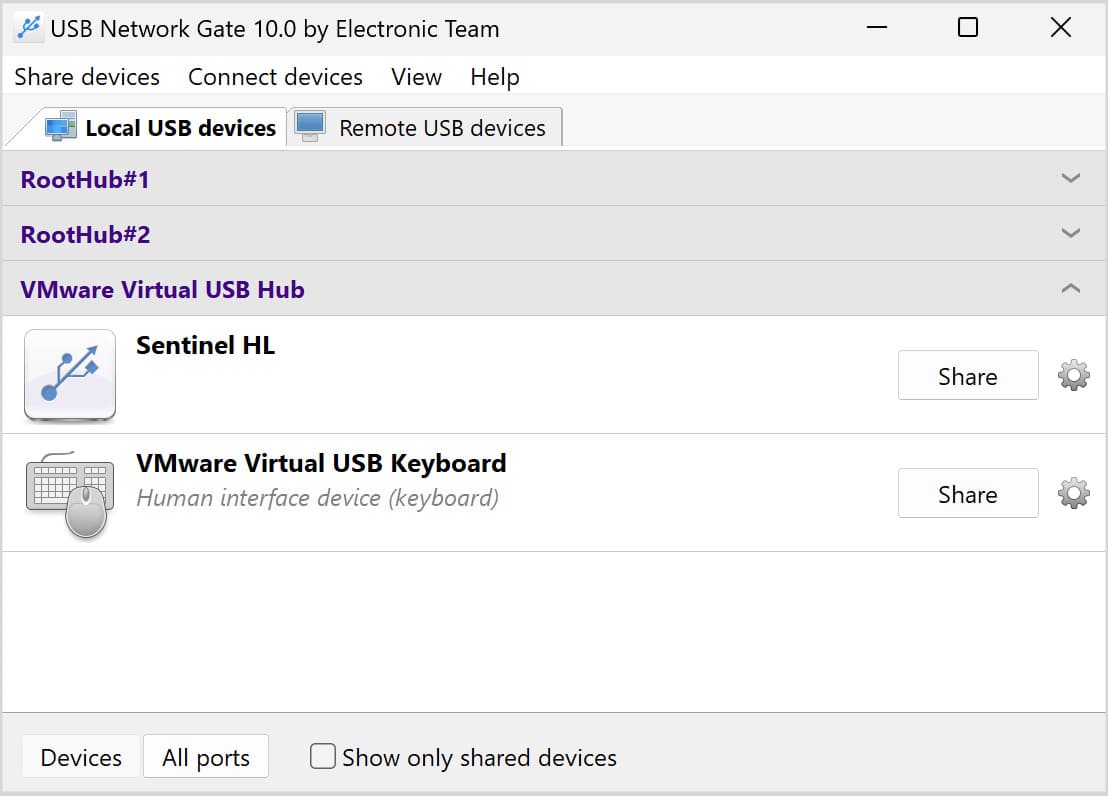
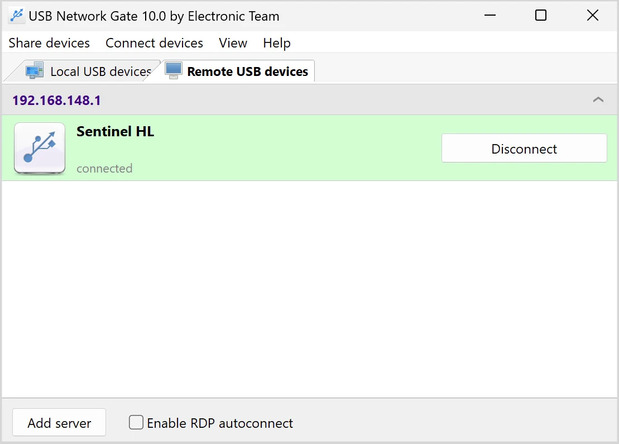
USB Network Gate is a software-based solution that makes it easy to scale the number of connected USB devices up and down to address changing business needs. Users can dynamically switch between USB devices without moving cables or equipment.
Security
The software supports secure data transmission with features such as password protection and strong encryption.
Compatibility and Integration
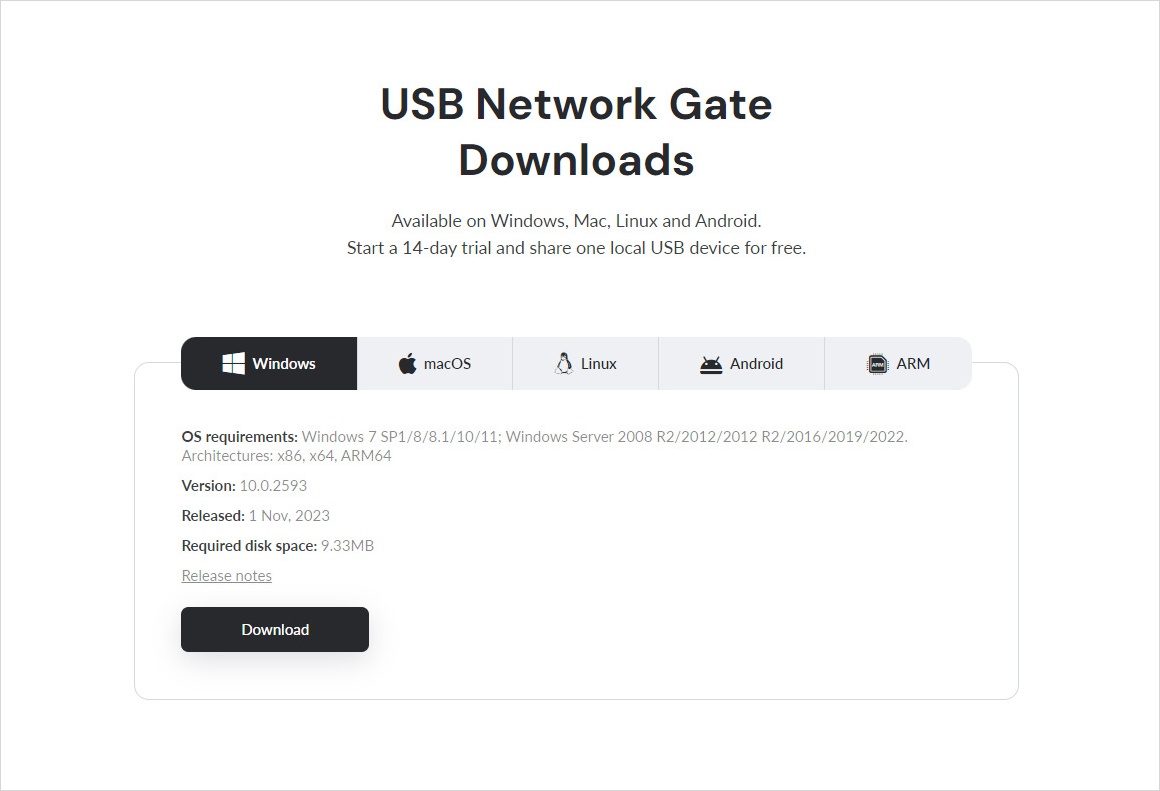
USB Network Gate provides wide compatibility with various types of USB devices, operating systems, and mixed IT environments. The software integrates seamlessly with virtual machines and cloud infrastructure to eliminate the complications of hardware USB servers.
Ease setup and management
The software is easy to install and configure for users with basic computer skills. Centralized device management is possible without having to physically visit peripheral devices.
Cost-Effectiveness
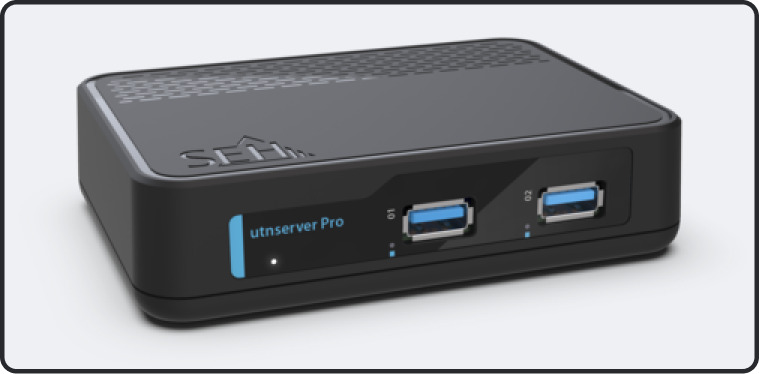
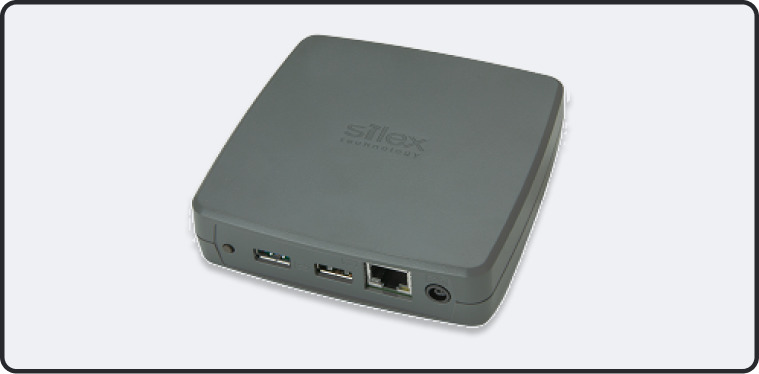
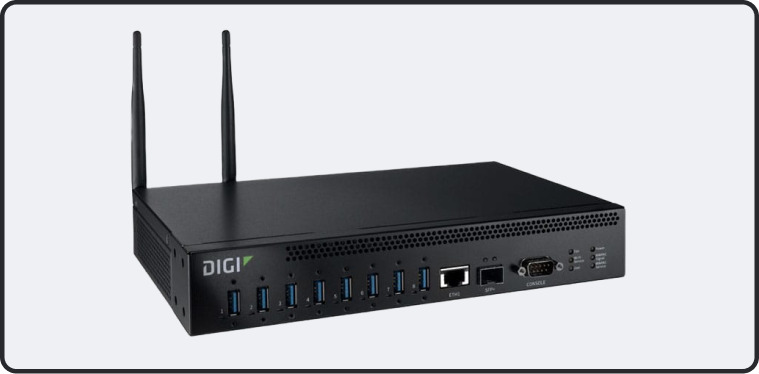
USB Network Gate is a cost-effective USB server solution that eliminates the need for additional hardware. The software is updated and patched regularly to address new security concerns without purchasing new physical equipment.
Mobility
USB Network Gate enables anyone with an Internet connection to access USB devices. This solution supports today’s mobile workforce by allowing remote users to use company devices from any location.