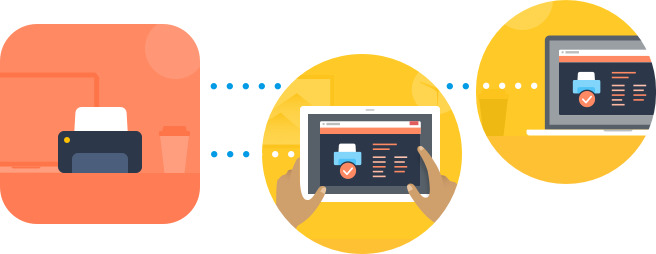
Plug the USB camera in computer. Then place the camera to the position from which it will perform monitoring. IMPORTANT: this computer should be connected to the network.
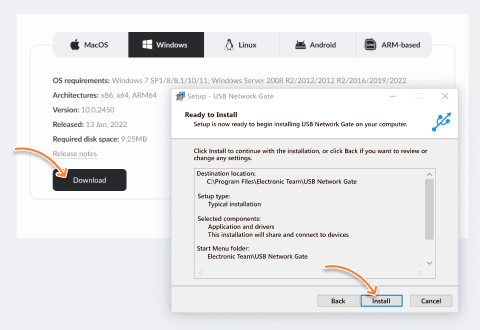
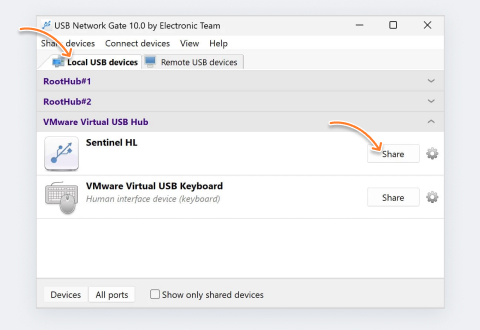
Install USB to Ethernet Connector at the computer with a camera plugged in. Then share USB camera in USB to Ethernet Connector application. This computer will be considered a USB server.
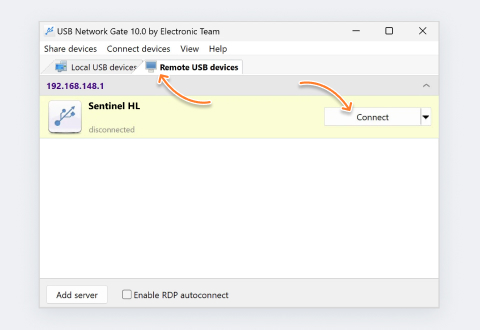
Now install USB to Ethernet Connector to the computer where you are going to control the camera from and receive monitoring info. This computer should also be connected to the same network or Internet. Then connect to the shared camera. This computer will be considered a USB client. After the shared camera appears at this remote client PC you will be able to see the image it transfers and control the camera remotely.
After the connection between client and server computers is established, it is time to setup motion-detecting software at the client computer - follow the steps provided in How to make security camera of a webcam How To. Actually these are all the steps you have to perform to significantly elevate your security motion-detecting system!
You can also use Linux computer as a USB sharing server. For that install USB to Ethernet Connector for Linux OS on it (refer to Step 2 of this How To).

