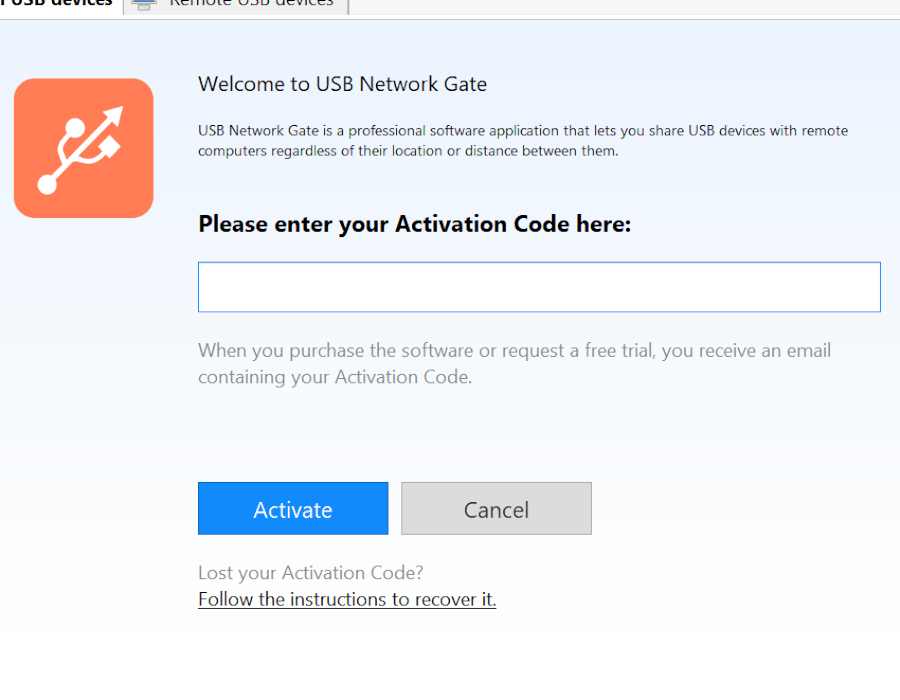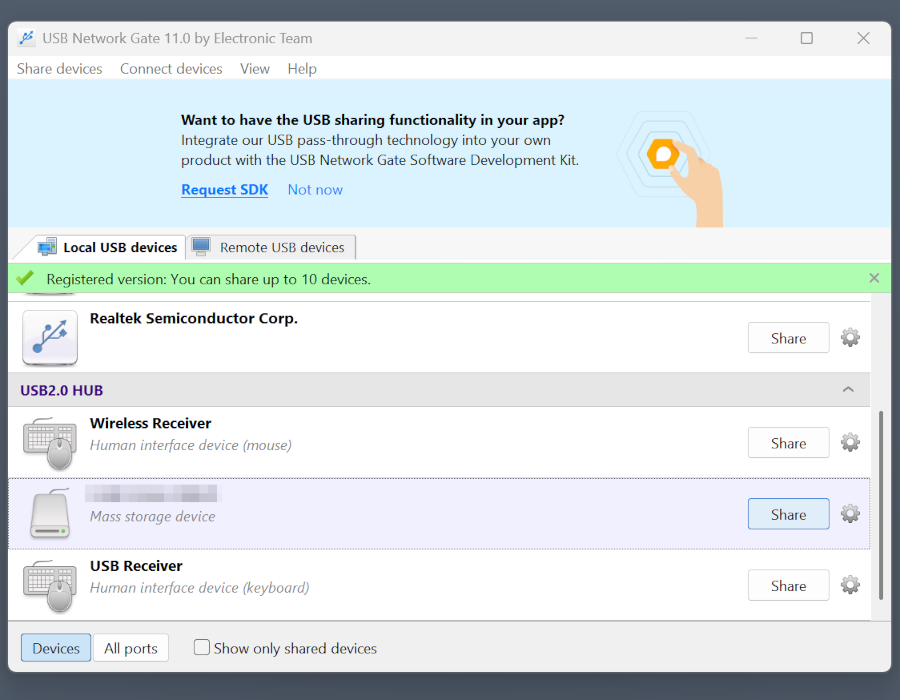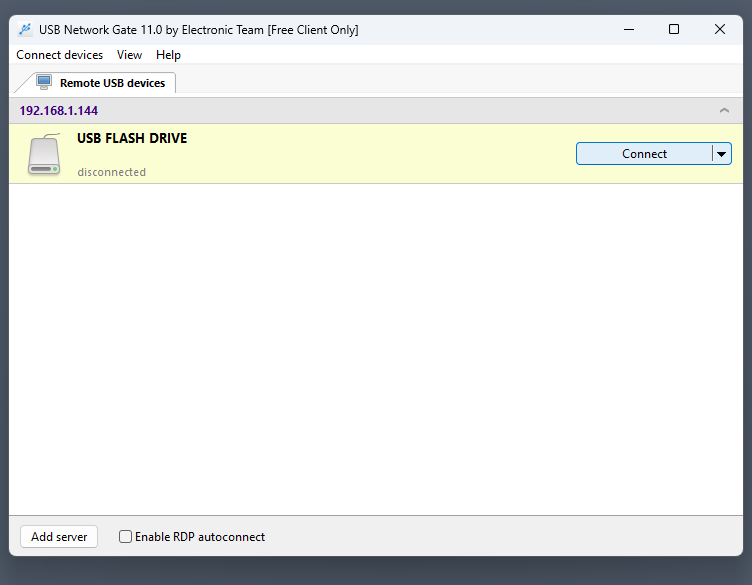
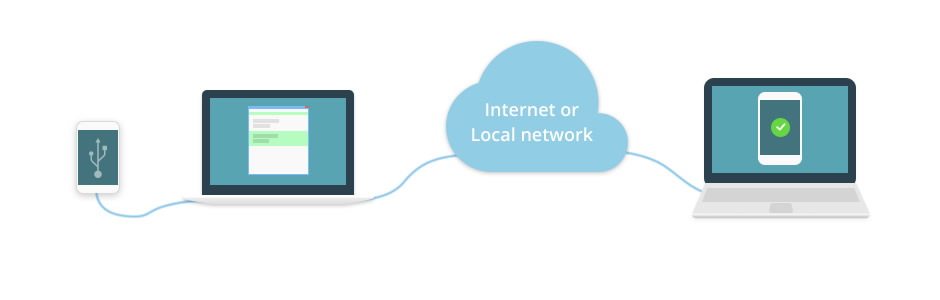
If you want to back up an iPhone remotely without cloud services, USB Network Gate is a proven way to redirect USB over the network. Even when your syncing app needs the phone on a local network, the software makes the iPhone appear as if plugged into the remote PC directly.
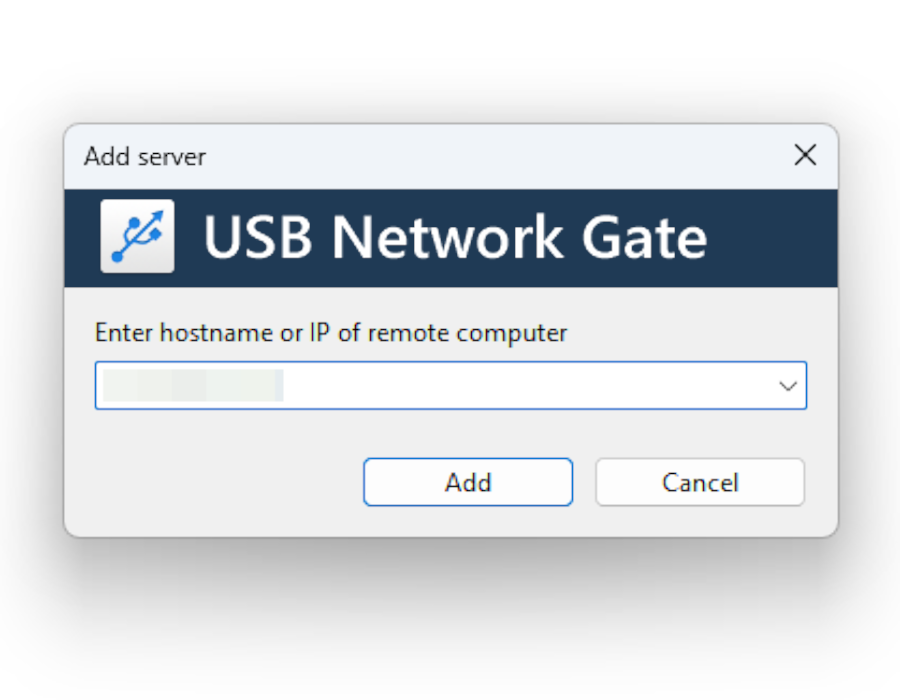
USB Network Gate can share a USB device on a local network or over a direct IP connection. It needs your PC to have a static IP, and you will also need to operate the app on the other end to establish a connection. For this reason, the most viable way to sync your phone is RDP, allowing for direct control over the system. The RDP server will need to be self-hosted, which is usually available from Internet providers or cloud server services.

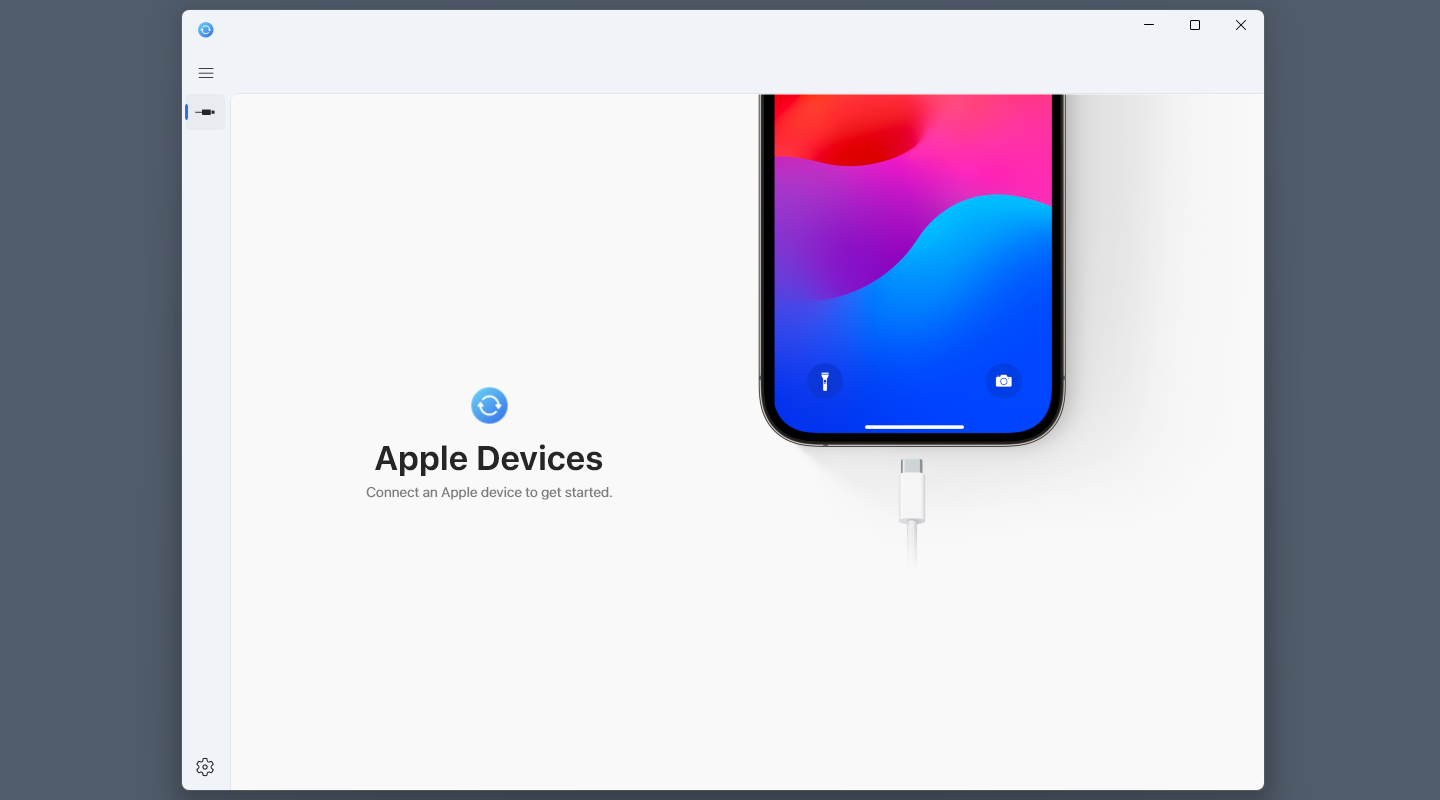
Apple Devices is available on the Microsoft Store as an official way for iPhones and iPads to interface with Windows PCs. It has simple USB syncing features, and integration with Apple TV and Music. However, both should be already accessible from the phone if it has Internet access. Instead, most likely, you will need to use the file syncing feature.
Consider using cloud applications to backup iPhone remotely, since they do not require you to host a server or set up RDP. Examples include official Apple apps, such as iCloud, or popular third-party options like Google Drive. Even if they don’t have syncing functionality, many of these apps will allow you to save data and access it later from any other device.
Note: For a different cloud scenario, where developers or IT teams work on a rented cloud Mac or Windows instance instead of a local PC, USB Network Gate handles USB in cloud software and redirects the iPhone from your local machine directly to the remote cloud desktop over the Internet.